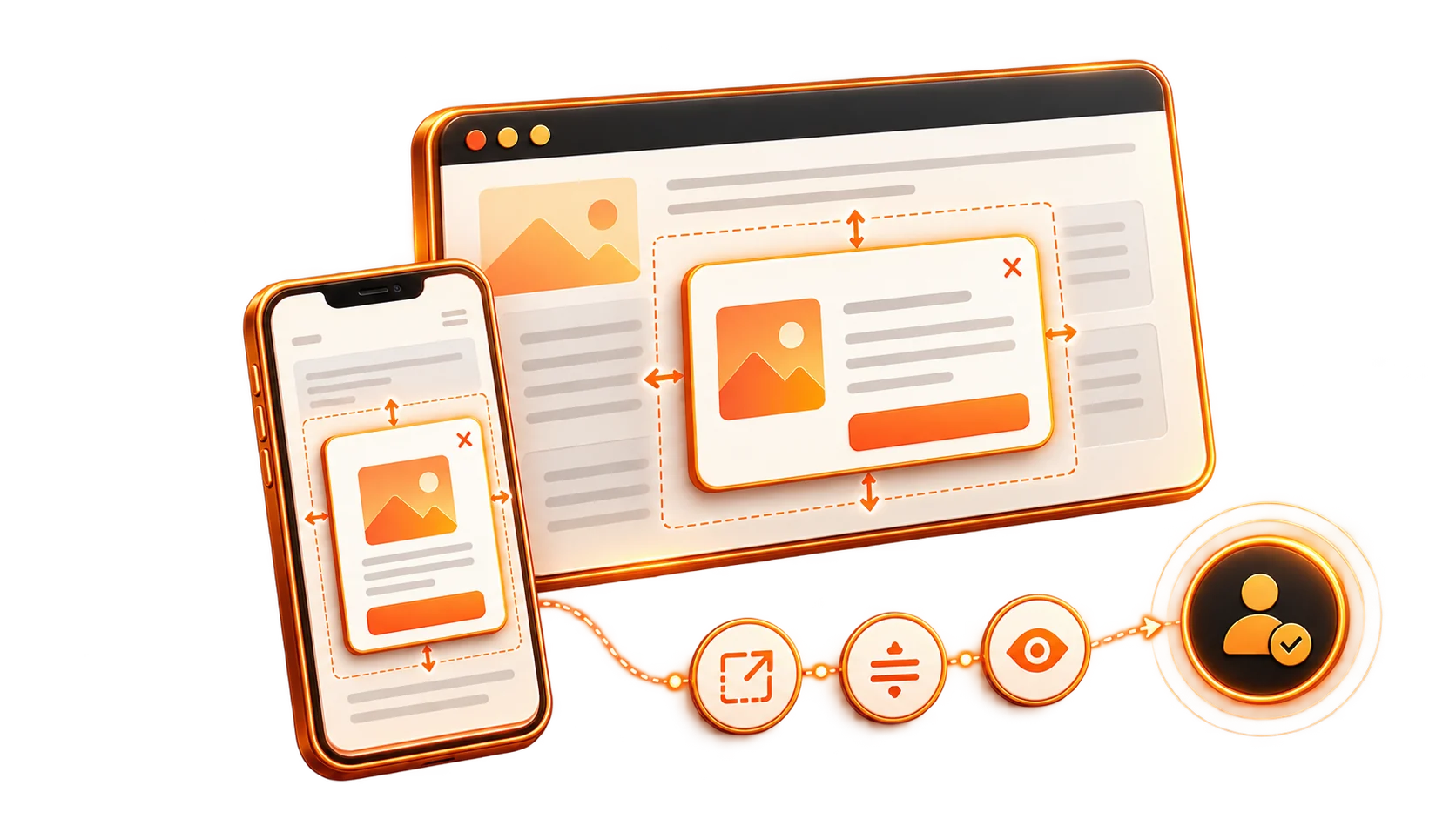
At BrandBlasting, we help businesses earn attention and give visitors a clearer route to conversion. One useful tool is often judged by its worst examples, yet can work well when it respects the experience: the website popup.
The difference lies in the type, size and timing. Get those decisions right and a popup can support engagement, improve conversion and remain compatible with your SEO priorities. This guide explains how to make the prompt useful rather than disruptive, so a short visit has a better chance of becoming a longer relationship.
Understand What a Popup Does
A popup is an overlay elements that appears at a chosen moment to direct the visitor's attention. It highlights a useful message or next step without making the person search the rest of the page to find it.
It can act as a timely prompt to:
- Announce something new: "New product launch!"
- Invite an email subscription: "Join our newsletter for exclusive tips!"
- Present a relevant offer: "Get 15% off your first purchase!"
- Suggest a practical next step: "Download our free guide!"
Used deliberately, a popup helps the visitor complete a particular action and adds something useful to the journey.
Match the Popup Type to the Moment
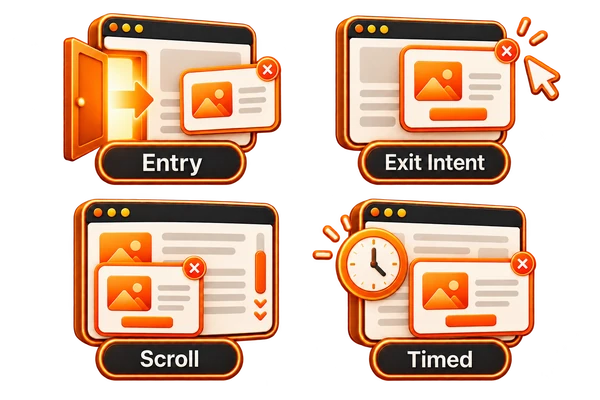
Different popup formats respond to different triggers. Choose the one that suits the task and the visitor's stage in your BrandBlasting strategy:
| Popup Type | Trigger | Where It Can Help |
|---|---|---|
| Entry Popups | Open as soon as a visitor arrives on the page. | Site-wide promotions, age checks or cookie consent. Use cautiously because an immediate interruption can be intrusive. |
| Exit-Intent Popups | Respond to mouse movement suggesting the visitor is leaving, or a back-button action on mobile. | Give a departing visitor a final relevant offer, discount or lead magnet. |
| Scroll-Based Popups | Appear once the visitor has scrolled a chosen share of the page, such as 50%. | Offer related information, a newsletter after some reading or a useful next action. |
| Timed Popups | Open after a set delay, such as 10 seconds. | Introduce an email subscription, offer or feedback request once some engagement has taken place. |
| Click-Activated Popups | Open after the visitor selects a button, link or image. | Content upgrades, fuller forms, product previews or signup steps that do not interrupt browsing uninvited. |
Choose Dimensions Around the Task
Size affects more than the visual finish. It determines whether the popup is practical and easy to use. For a BrandBlasting campaign, consider the content and placement together:
- Start With the Content:
- A Longer Written Message? Allow enough height for comfortable reading without unnecessary internal scrolling.
- An Image or Video? A wider format can give the visual enough room to communicate clearly.
- A Form With Several Inputs? Leave enough vertical space for each field and a comfortable completion experience.
- Account for the Position:
- Center Overlay: A central overlay generally needs more space to make its message clear. It pauses interaction with the content behind it.
- Corner Slide-in: A smaller corner panel is more discreet and less intrusive. It suits quick notices and gentle reminders.
- Sticky Bar: A bar fixed to the top or bottom spans the screen but needs little height. It can carry an urgent message or a continuing offer.
- Balance Attention With Ease of Use: The message must be noticeable, but a popup should not cover so much of the screen that the visitor becomes frustrated or cannot find a way to close it. Make it a helpful prompt, not an obstacle. Its purpose is to improve the experience while giving the next action enough visibility.
Use These Dimensions as Starting Points
Customization still matters. These general BrandBlasting guidelines provide a starting range to test against your content and screen sizes:
A. Desktop Formats
A larger desktop screen gives you more room, so the popup can carry a stronger visual or a fuller message.
| Popup Type | Width Range (px) | Height Range (px) | Notes |
|---|---|---|---|
| Full-Screen Overlay | 800–1200 | 600–900 | Useful for essential announcements, lead magnet forms and visually led promotions. |
| Slide-in Popup | 300–500 | 300–600 | Suited to discreet newsletter invitations, related-content suggestions and chat prompts. |
| Sticky Bar | Full width | 30–60 | A practical format for urgent offers, shipping notices and continuing promotions. |
B. Mobile Formats
A mobile screen leaves less room for interruptions. Keep the popup compact, legible and responsive so it does not frustrate the visitor or create search-related problems.
| Popup Type | Width Range (px) | Height Range (px) | Notes |
|---|---|---|---|
| Full-Screen Popup | 320–480 | 480–800 | Often reserved for essential age or cookie notices. Make the close action easy to find. |
| Slide-in Popup | 250–350 | 250–400 | A smaller prompt that leaves the main content available. |
| Sticky Bar | Full width | 30–50 | Like the desktop version, with less height to preserve screen space. |
Keep the Popup Compatible With SEO
Popups can affect Google search performance, but the choices around their design and behavior matter. Use these priorities to support the BrandBlasting campaign without undermining usability.
- Make the Message Relevant to the Page: A popup is not an SEO shortcut, but the message within still needs to make sense. Keep it concise, clear and connected to the page and offer. Relevant keywords can fit naturally; do not force them into the text.
- Check Responsive Behavior on Mobile: Google loves mobile-friendly experiences. A popup that does not adapt can make the site harder to use, increase exits and potentially weaken search performance. Test the result across devices rather than assuming it scales correctly.
- Avoid Blocking Important Content: Intrusive interstitials are a particular concern when they cover the main content as someone arrives from search on mobile. Be cautious with immediate entry popups. For an SEO-focused campaign, less intrusive exit-intent or scroll-triggered options may be more suitable.
- Keep Images and Scripts Lightweight: Heavy media and excessive scripts can slow the page. Compress popup images, use efficient modern formats such as WebP and choose a builder that does not add unnecessary code. Loading performance remains part of the wider SEO experience.
- Give People an Obvious Way to Close It: A hidden close control creates frustration and can make visitors leave the site altogether. Include a clear 'X' button or let them dismiss the panel by clicking outside it. Search algorithms also pay attention to how users respond to the experience.
Make the Prompt Useful, Not Persistent
Beyond the technical details, BrandBlasting's approach is to make the popup effective and easy to live with:
- Choose Timing and Frequency With Care: Do not present a popup on every page or immediately on arrival unless an essential notice requires it. Think about the visitor's task and ask when the message would be most helpful or least disruptive?
- State the Value in a Short, Clear Message: People should understand the offer and the next action quickly. Make the benefit obvious rather than using the popup to explain everything at once.
- Make It Attractive and Easy to Dismiss: Use readable type, suitable colors and good images within the brand's visual style. Then make sure the close button is unmistakable: a polished design should not make dismissal difficult.
- Reflect the Visitor's Needs and Behavior: A discount connected to a viewed product or a guide related to the article being read feels more relevant than a generic interruption. Matching the message to the context can substantially improve conversion.
- Measure the Response and Compare Alternatives: Check whether people sign up, engage or close the popup immediately. Test different headlines, visuals, offers, timings and sizes. Those comparisons give you a stronger basis for improving the BrandBlasting campaign instead of leaving the first version unchanged.
Give Every Popup a Clear Purpose
A carefully designed popup does not have to be an annoyance. With the right intention and implementation, it can make the next action clearer, support more conversions and give visitors a useful reason to engage.
At BrandBlasting, we treat type, size and responsiveness as practical conversion decisions. Put the visitor experience first, protect page performance and keep testing the response. The aim is to add value to the journey rather than interrupt it for the sake of another message.
Common Questions About Website Popups
Q: Will a popup damage my website's SEO?
Not automatically. Intrusive formats, particularly on mobile, can cause problems. A responsive, relevant prompt that respects the visitor can instead support engagement and conversion without creating the same disruption.
Q: Which popup format works well for email signups?
Exit-intent formats give you a final chance to reach someone who is leaving. Scroll-based and timed prompts can also work once the person has shown interest in the page.
Q: How do I check that a popup works on mobile?
Use a builder with responsive options and test on different devices. Check that the panel scales correctly, leaves essential information accessible and has a close control that is easy to select.
Q: When should I use a full-screen popup?
Use it sparingly, especially on entry. Essential notices may justify the format, but full-screen interruptions can feel intrusive to both users and Google. A slide-in or sticky bar may deliver the message with less friction.
Q: How often should I test or update the popup?
Keep comparing messages, designs, timing and offers through regular A/B tests. There is no universal timetable: use conversion performance and visitor feedback to decide when to improve the current version or try another approach.