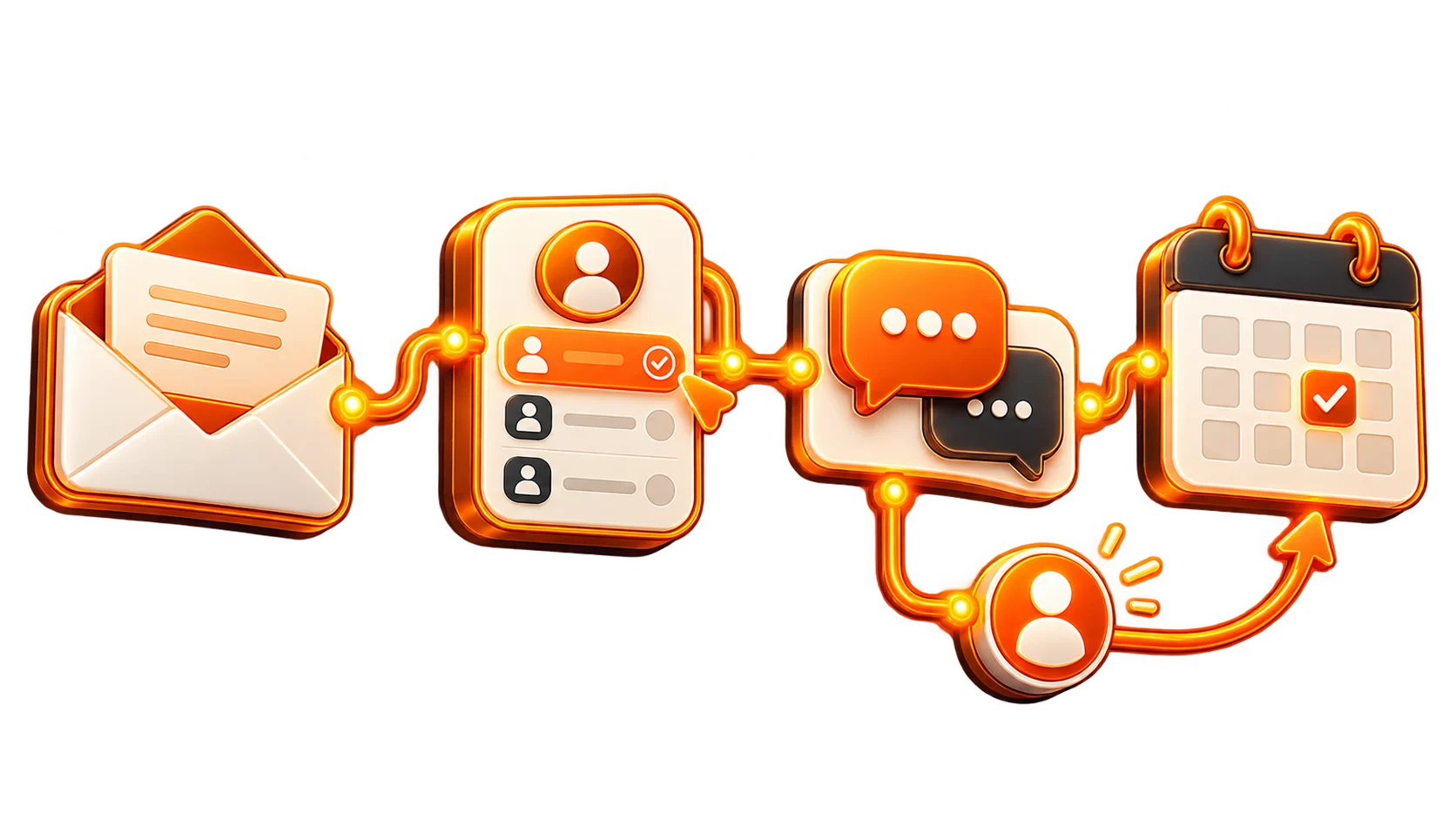
Automation has changed how businesses coordinate marketing and sales. Whether you run an online shop, a SaaS company or a local service, it can help you convert more interested visitors into customers without being available 24/7. The practical question is how to improve conversion rates with automation and which approaches actually make a difference.
This guide explains where automation supports conversion, how to put useful workflows in place and which tools can help while keeping the experience personal rather than mechanical.
Understand the Connection Between Automation and Conversion
Start by defining the outcome.
Conversion rate measures the share of visitors or leads who complete a chosen action, such as purchasing, submitting a form, booking a conversation or starting a free trial.
Automation uses software to carry out repetitive work automatically.
Used together, automated workflows help prospects move through the sales funnel and make it more likely they will complete a purchase, with less manual intervention along the way.
Why Automate Parts of the Conversion Journey?
Consider the workload: How much of your day goes into follow-ups, reminders, email and lead nurturing? Now consider those tasks being triggered promptly at the moment they are needed.
That can make a practical difference in several ways:
- Recover time for higher-value strategy and creative work.
- Keep follow-ups consistent rather than depending on memory.
- Deliver personal experiences to more people at scale.
- Respond sooner and help customers feel better supported.
- Improve the chance of conversion through more relevant timing and personalization.
Did you know? According to Epsilon, 80% of consumers are more likely to make a purchase when brands offer personalized experiences.
Where to Apply Automation First
1. Personalize Automated Email
Generic broadcasts often miss what the recipient needs. Aim for messages that feel relevant and personal by using automation to send emails triggered by the person's behavior.
Useful Email Workflows:
- Welcome series for new subscribers.
- Cart abandonment emails when a shopper leaves before completing the order.
- Product recommendations informed by the products someone has browsed.
- Re-engagement campaigns to reconnect with people who have become inactive.
Tip: Tools like ActiveCampaign, Klaviyo, and ConvertKit excel at behavior-triggered emails.
2. Score and Segment the Leads
Some enquiries are ready for sales; others need more help first. Lead scoring separates stronger buying signals from leads that still need nurturing.
Use Scoring to Prioritize Follow-Up:
- Award points for actions such as email opens, link clicks and website visits.
- Group people by score so follow-up reflects their level of interest.
- Route high-scoring prospects to the sales team.
For example, someone who downloads several resources and visits pricing pages can move automatically into a "hot lead" segment and receive more personal outreach.
3. Add Chatbots and AI-Assisted Chat
Visitors often need an answer before taking the next step. Chatbots can start a conversation in real time, handle common questions, and gather contact details for a later follow-up.
Where a Chatbot Can Help:
- Offer immediate support 24/7.
- Capture email addresses and telephone numbers.
- Suggest relevant products or services from the visitor's answers.
- Qualify enquiries before the sales team takes over.
Best Tools: Drift, ManyChat, Tidio, Intercom.
4. Make Website Content More Relevant
Your website can adapt its content according to the visitor, such as a new arrival versus a returning customer. This is the role of automation-driven personalization.
Ways to Personalize the Page:
- Use a personal welcome, such as Hi John! Welcome back!
- Show products or services relevant to the visitor's location.
- Offer returning visitors an exclusive discount.
Options include Optimizely, Dynamic Yield, or RightMessage for tailoring the visitor experience.
5. Use Automated SMS and Push Messages
An email is easy to miss in a crowded inbox. SMS and push notifications offer a direct route and can achieve higher open rates.
Practical Applications:
- Prompt a shopper to return to an unfinished cart.
- Share a time-limited discount.
- Notify customers about an event or a product returning to stock.
Fact: SMS messages boast a 98% open rate, compared to email’s 20%.
6. Automate Call and Demo Scheduling
When calls or product demonstrations are part of selling, simplify booking with automation.
Scheduling Options Include:
- Calendly, Chili Piper, and YouCanBookMe allow prospects to select a time without a string of back-and-forth emails.
- Set automatic reminders to help people attend.
- Trigger a personalized email follow-up after the conversation.
7. Systematize Review and Testimonial Requests
Genuine social proof can help buyers feel confident. Trigger review requests automatically after an order or completed service.
Workflow Ideas:
- Request a review 3 days after the product arrives.
- Provide a discount on a future purchase for submitting a review.
- Display collected reviews dynamically on product pages.
Tools to Consider: Loox, Yotpo, Trustpilot, Stamped.io.
Compare Tools for Conversion Automation
| Tool Name | Best For | Key Features |
|---|---|---|
| ActiveCampaign | Email Marketing & CRM | Email flows, lead scoring, site tracking |
| HubSpot | All-in-one CRM & Marketing | CRM, email, lead nurturing, workflows |
| OptinMonster | Lead Capture & Popups | Exit-intent popups, A/B testing, personalized offers |
| Klaviyo | Ecommerce Email & SMS | Cart recovery, product recommendations, SMS |
| Drift | AI Chatbot & Conversational Marketing | Live chat, lead qualification, meeting scheduling |
| Zapier | Workflow Automation | Connects 5000+ apps, custom workflows |
| Calendly | Appointment Scheduling | Meeting scheduling, reminders, integrations |
The Reported Impact of Automation
- 53% of marketers report that continued personalization improves conversions. (Source: HubSpot)
- 80% of companies report more lead generation when using marketing automation. (Invesp)
- Compared with non-automated email, automated messages generate 320% more revenue in revenue. (Campaign Monitor)
- 82% of consumers expect businesses to respond immediately. (Salesforce)
Avoid the Automation Problems That Weaken Trust
- Mechanical-sounding messages: Use wording that sounds like a person, not a system.
- Too much automation: Set sensible frequency limits instead of overwhelming the audience.
- Treating every customer alike: Segment the audience so communication reflects different needs.
- No performance measurement: Check analytics to understand which workflows help and which need adjustment.
- No route to a real person: Keep human support available when the customer wants a conversation.
A Practical Starting Sequence
- Review the customer journey – Identify where interested prospects drop away.
- Choose repetitive tasks – Consider email, lead capture and follow-up.
- Select suitable tools – Match them to your business needs and size.
- Map the workflows – Define the automation steps clearly.
- Test and improve – Measure outcomes and refine the process.
- Keep it human – Connect automation with real conversations.
Use Automation to Make Buying Easier
Conversion automation is about more than saving time. It should be a smoother experience that makes the offer easier to act on. Effective automation feels relevant, helpful and well timed, not intrusive. Begin with a manageable workflow, choose the right tools and keep the customer journey central. Above all, use automation to strengthen effort and relationships, not to replace them. The next step is to automate thoughtfully, with a clear outcome in mind.
FAQs
1. Which conversion workflow should I automate first?
Begin with email automation, particularly welcome messages and abandoned-cart follow-up. They are straightforward starting points with useful opportunities for improvement.
2. Can chatbots help smaller businesses?
Yes. They can handle questions, collect enquiries and schedule appointments while you focus on other parts of the business.
3. How can automated messages feel more personal?
Use a conversational tone, include the person's name and personalize the content to reflect their behavior.