Looking to attract more local customers, show up on Google Search & Maps, and build instant credibility — all for free? Then Google Business Profile is your golden ticket. Let’s break down everything you need to know, step-by-step.
Understand Google Business Profile (GBP)
Google Business Profile was previously called Google My Business. It is a free tool from Google for managing the way your business appears across Search and Maps.
Treat it as a public-facing storefront for anyone searching for your products, your services or a nearby business like yours.
What the Profile Lets You Manage:
| Feature | What It Adds |
|---|---|
| Business Info Management | Keep the name, address, hours, telephone, website and other details visible |
| Google Maps Integration | Reach people searching “near me” or looking around the map |
| Customer Reviews | Receive and answer feedback that supports the business's reputation |
| Posts and Updates | Publish timely news, offers and events |
| Insights and Analytics | Understand how people discover and use the listing |
💡 A Useful Figure: 76% of people making a nearby search on a phone visit a business within 24 hours. The first impression deserves attention.
Why a Local Business Should Use the Profile
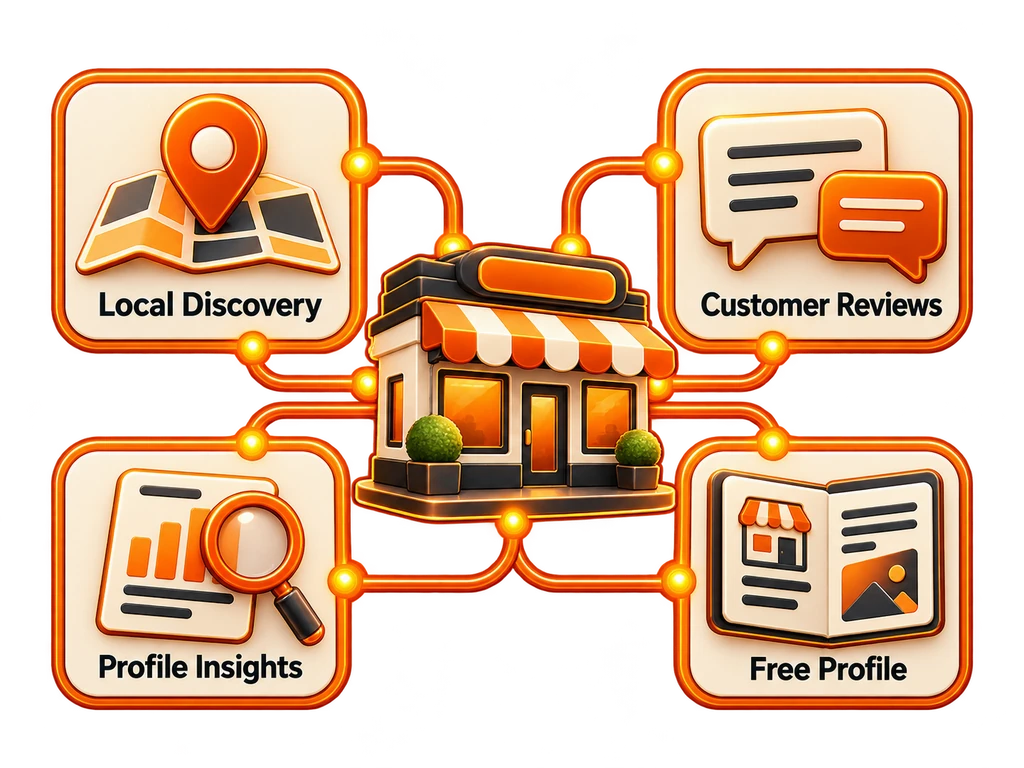
For a local or service business, the Google Business Profile (GBP) can be as important as the website itself. It brings discovery, business information and reputation into one visible place. These benefits explain why it deserves a place in the local growth plan:
1. Become Visible in Nearby Searches
Queries such as “best dentist near me” or “plumber in Miami” can bring up Google's Local Pack: a map and the top 3 business listings. Those prominent positions commonly belong to businesses with complete, well-optimized profiles.
Relevant categories, suitable keywords and accurate information help Google understand when your business matches a search. A complete profile can put you in front of someone when they are ready to buy or book.
🧁 Example: A Chicago bakery with useful photographs, customer reviews and current hours has a better chance of appearing for “birthday cakes near me.” The person searching does not need to know the bakery's name already.
2. Give Reviews a Role in Building Trust
Reviews bring word-of-mouth into the search experience. A listing with 50+ positive reviews gives prospective customers more reassurance than one with little feedback. Comments describing the service they need can make the listing especially relevant and give them more reason to click.
Taking the time to responding to reviews shows that the business takes service seriously, whether the feedback is favorable or critical. That impression begins forming before a customer contacts you.
💡 A BrandBlasting Recommendation: After a successful purchase or service, make feedback easy by sharing the review link through email, text or a QR code at your premises.
3. Use Insights to Make Better Decisions
The profile includes free analytics that can inform marketing and operating decisions without requiring a complicated reporting setup.
Useful measures include:
| Metric | What You Can Learn |
|---|---|
| Search Queries | The search terms people use to discover your business |
| Customer Actions | Calls, website visits and requests for directions from the listing |
| Photo Views | How the images perform alongside similar businesses |
If directions increase after new photographs are added, that suggests the visuals are helping. If relevant searches repeatedly mention “emergency electrician,” it may be worth considering whether that service belongs in the offer.
📊 Let the evidence guide content choices, service descriptions or opening hours where appropriate. The profile can provide useful marketing feedback while you stay focused on running the business.
4. Use a Tool That Is 100% Free
This is not a paid subscription with a limited free tier. Google Business Profile costs nothing to use . You do not need to buy advertising or premium features to begin, making it a cost-effective way to promote a local business.
The available features include:
- Visibility across Google Search and Maps
- A listing designed for mobile use
- Business updates and promotional posts
- Tools to manage customer reviews
- Performance reporting and analytics
- These and other features at $0
💡 Think of it as a form of free advertising available 24/7. A coffee shop, fitness trainer or multi-location operator can compete for local attention without needing the marketing budget of a much larger brand.
Set Up the Profile Step by Step
The initial setup takes less than 15 minutes and gives the business a useful local marketing foundation.
Step 1: Open Google Business Profile
Select “Manage Now,” then sign in with the Google account you want associated with the business.
Step 2: Choose the Name and Category
Use the business name accurately and choose the closest matching category. That choice helps shape search visibility.
Step 3: Provide the Location
Enter the storefront address if customers visit you. A service business, such as a plumber or consultant, can choose a service area instead.
Step 4: Complete the Contact Information
Check the accuracy of your:
- Phone number
- Website URL
- Hours of operation
and keep the same details consistent wherever the business appears online.
Step 5: Complete Verification
Verification lets Google confirm the business. Available approaches include:
| Verification Method | Where It Applies |
|---|---|
| Postcard by Mail | A common route taking 5–10 days |
| Phone or Text | Where Google makes it available for the business type |
| Offered for certain business categories | |
| Instant Verification | For businesses already verified in Search Console |
| Bulk Verification | For operators managing 10+ locations |
Once verification is complete, the profile can go live.
Make the Listing More Useful After Setup
A live listing is a starting point. Keep improving the information and presentation so customers have good reasons to choose the business.
Keep the Details Current
Incorrect hours, old addresses and broken links can lose a customer before a conversation begins. Update the information when circumstances change, particularly around holidays and seasonal opening times.
Add Strong, Clear Photographs
Businesses that include photos receive 42% more requests for directions and 35% more clicks to their websites.
| Images Worth Including | Their Purpose |
|---|---|
| Logo | Help people recognize the brand |
| Cover Image | Establish the visual tone |
| Inside & Outside Shots | Show the premises and build confidence |
| Product/Service Photos | Let visitors evaluate the offer before arriving |
Invite Feedback and Respond Thoughtfully
Answer positive and negative reviews professionally. Thank customers for the feedback, respond to concerns and show that you care about their experience.
Publish Relevant Updates
Use posts like a compact social feed to share:
- Promotions
- Announcements
- Events
- New services
Regular, useful updates keep the profile current and give people more ways to engage.
Review the Insights Each Month
Check what changed after new photographs or posts were added. Did image views rise? Did more people call? Use the response to refine the next update instead of publishing without checking the result.
Manage the Listing From Familiar Google Tools
The standalone “Google My Business” app has been discontinued. You can manage the profile through the Google tools you already use instead.
The main access options are:
| Platform | How to Access the Profile |
|---|---|
| Google Maps App | Open your profile and select "Your Business" |
| Google Search | Look up the business name while signed in |
| Desktop | Open google.com/business |
From these platforms, you can change hours, reply to reviews, publish updates and review performance.
The BrandBlasting Profile Checklist
- Check NAP Consistency by comparing Name, Address and Phone details across online listings.
- Include Relevant Search Terms naturally in descriptions and updates, such as "custom cakes in Chicago."
- Make Use of Questions and Answers to address common concerns before someone asks.
- Keep Maintaining the Listing. Active profiles with ongoing engagement are more useful than neglected ones.
What the Work Adds Up To
| The Opportunity | The Practical Benefit |
|---|---|
| Local Visibility Without a Listing Fee | Discovery across Search and Maps |
| More Customer Confidence | Reassurance through photographs and reviews |
| Useful Business Feedback | An understanding of discovery and customer actions |
| More Conversion Opportunities | A complete, current listing that is easier to act on |
Need help setting up or improving the profile for stronger visibility and conversion?
👉 Speak with BrandBlasting for support making the business stand out online.
We can coordinate the strategy, optimization and ongoing updates while you concentrate on the day-to-day business.
Top 5 Questions, Answered Briefly
1. How can I claim the business profile?
Visit google.com/business, sign in, find the business and follow the instructions to claim and verify the listing.
2. Is there a charge to manage the profile?
No. Creating, using and managing Google Business Profile is free, without hidden fees.
3. Can I make changes from a phone?
Yes. Use Google Maps or search for the business name while signed into the account connected to the profile.
4. What can help improve Google Maps visibility?
Complete the listing, gather positive reviews, add photographs consistently and publish updates that keep the business information relevant.
5. What if customers do not visit a physical shop?
You can specify a service area rather than a storefront address, which suits mobile and remote service businesses.